Key takeaways
- GTA 6 made $3.79 billion in day-one retail sales, so millions of players now share the same consoles and the same small problems.
- The clearest product openings are storage, charging, cooling, lighting and comfort. Each one can start as a simple build with no radio and no battery.
- Sell under your own name and artwork. The game’s title, logos, places and characters belong to Rockstar and Take-Two.
- Start with a feasibility study, then a prototype. A product with wireless or a lithium battery also needs certification before it ships.
The best GTA 6 hardware product ideas fix a problem players have today: a console that runs out of storage, controllers that go flat, a hot console, a dull room, and long hours in a chair. A founder can build for those problems with simple electronics and an original brand. This guide walks through twelve products, what goes inside each one, and the rules to check before you sell. Read them as GTA 6 hardware business ideas too: each is a real product a small company can sell to players, outside the game.
What GTA 6 changed for hardware founders
Grand Theft Auto VI launched on November 19, 2026. Take-Two reported $3.79 billion in day-one retail sales and called it the largest entertainment launch on record.
The sales figure matters less to a founder than the audience behind it. Three facts make this audience worth building for:
- It is large and concentrated. Millions of people bought the same game for the same two console families in the same week.
- It lasts. Circana data reported by ESPN shows GTA V stayed in the annual top 10 for four years after its release. Players of this series stay for years.
- It already buys accessories. Mordor Intelligence puts the gaming accessories market at $14.39 billion in 2026, growing to $23.14 billion by 2031.
A launch this size is one of the clearest moments to come up with new product ideas, because the buyer and the problem are both easy to see.
Free tool: check if your invention is ready to build, in 3 minutes →Who is already earning from the launch
Sellers moved within days. Designers sell shirt artwork for a few dollars, clothing brands sell hoodies, and small shops sell neon lamps and keychains on Etsy. Rockstar sells its own range too, from a $14.99 keychain to a $399.99 collector’s box.
Those products are quick to copy, so the shelves fill fast. Engineered hardware takes longer to make, and that is exactly why fewer people attempt it. Two recent campaigns show gamers will pay for one clever accessory from a small team:
- Retro Fighters BattleDock. A dock add-on for the Switch 2 raised $55,945 from 1,113 backers on Kickstarter.
- Chizha Mount Ling 2 Pro. A dock, capture card and drive enclosure in one unit had passed $47,000 against a $5,000 goal at the time of writing.
Two gaming accessories funded by backers. Source: Kickstarter project pages.
The problems GTA 6 players have right now
Good products start from a real complaint. These are the ones showing up this month.
- Storage. PlayStation told owners to clear 212GB before installing. Forbes notes that is almost a third of an original PS5’s usable storage, and that popular PS5 drives cost more than double what they did a year ago.
- The fix is fiddly. The game has to run from the internal drive or an added M.2 drive. A USB drive will not do, so players have to open the console.
- Sold-out gear. Sony released two limited-edition GTA 6 controllers at $84.99 each. Seller research site ShelfTrend reports they sold out at many retailers within minutes.
- Long sessions. Controllers run flat, consoles run warm, and desks fill with cables.

Each row is something GTA 6 players are dealing with this month. The last column is the opening it leaves for a small hardware team.
| Problem | What players do today | Product opening |
|---|---|---|
| 212GB install | Delete other games, or buy a drive and open the console | A guided install kit with heatsink and tool |
| Flat controllers | Play with a cable across the room | A charging dock that also displays the controller |
| Warm console | Use a plain plastic stand | A stand with a temperature sensor and quiet fan |
| Dull room | Buy a generic LED strip | Lighting that reacts to game sound |
| Long sessions | Sit on a standard chair for hours | A seat pad that turns bass into vibration |
12 GTA 6 hardware product ideas you could build
These twelve gaming accessory ideas run from simple to demanding. Each one sets out who wants it, why they would pay, what goes inside, and how to build a first version. The difficulty ratings are a rough guide to engineering effort. For a wider list beyond gaming, see our guide to hardware startup ideas.
1. A storage helper kit
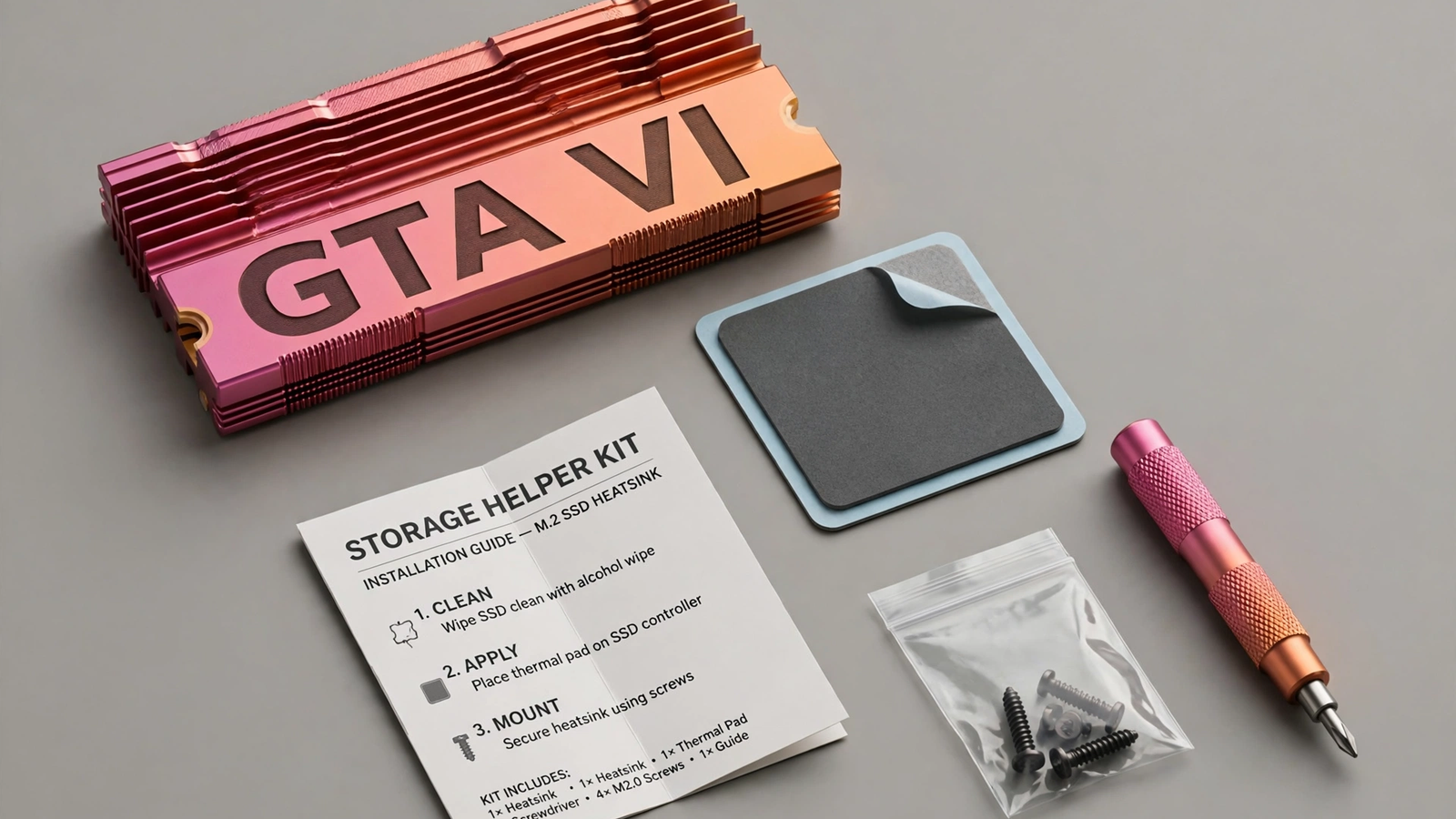
A PS5 owner who needs more space has to buy a bare drive, open the console and fit the drive into a slot under the side cover. Most have never done it. A storage helper kit turns that into a guided ten-minute job.
- Who wants it: owners of launch-model PS5 consoles, casual players, and parents setting up a console as a gift. They buy in the week the install fails for lack of space.
- Why they would pay: the alternative is deleting other games or paying a shop to fit the drive. The kit is cheap next to the drive itself, and it removes the fear of damaging a console.
- What goes inside: a low-profile aluminum heatsink that fits Sony’s published size limits, a thermal pad, the correct screwdriver, a spare screw and standoff, and a card with a QR code to a step-by-step video. Sony recommends a heatsink on any added drive, so the heatsink is the engineered part.
- How to build version one: model the heatsink in CAD, machine a small batch, and test drive temperature under load inside a real console. Film the guide, then design the packaging. The kit has no electronics, so it avoids radio and battery approvals.
- Price signal: ShelfTrend estimates a generic heatsink at about $1.40 from the factory and $14.99 at retail. A complete guided kit can sit above that.
- Limits: this is a PS5 product. Xbox consoles use a plug-in expansion card and need no tools.
- Difficulty: low.
2. A charging dock that doubles as a display stand
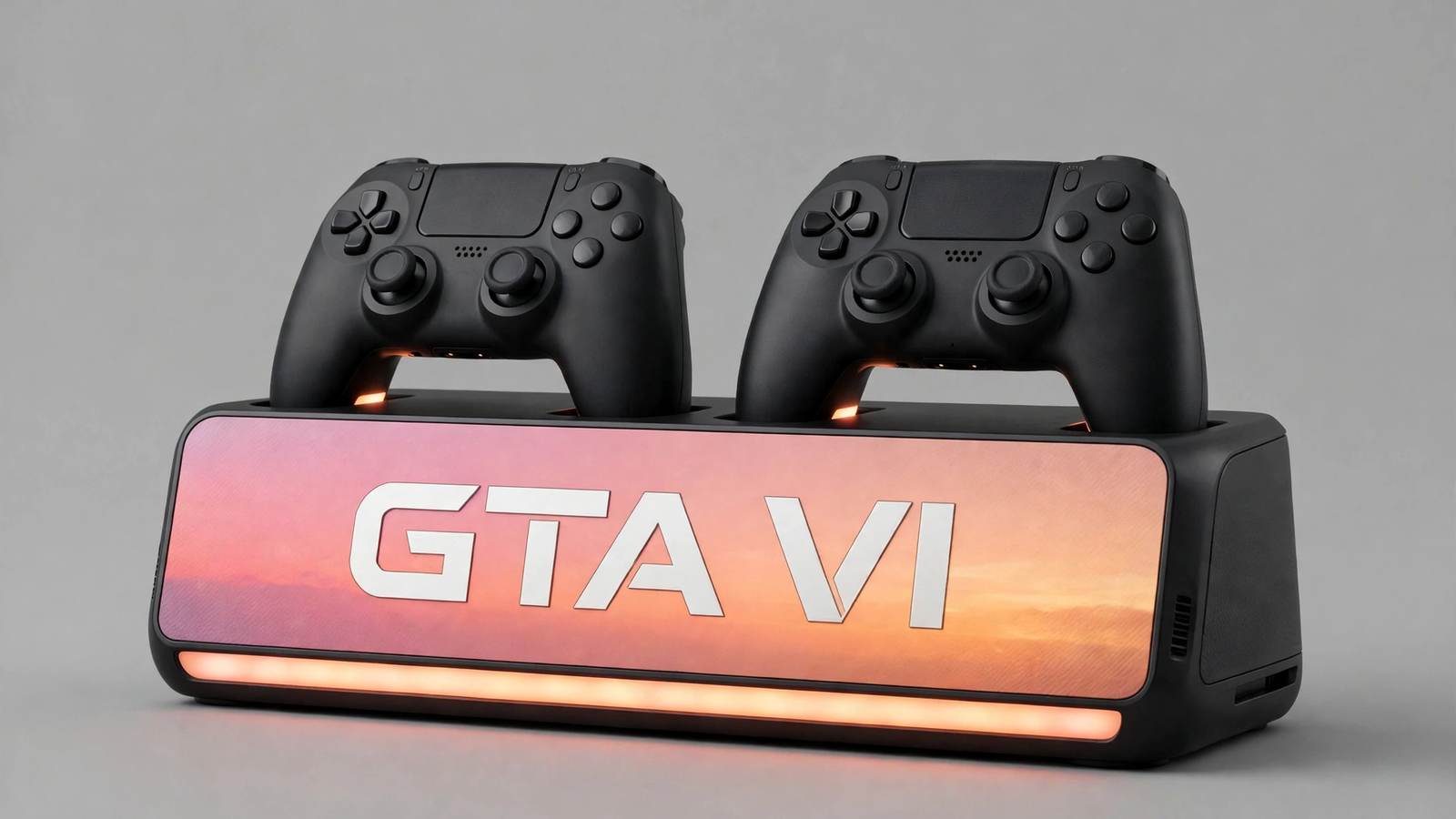
A limited-edition controller is part tool and part collectible. Most charging docks hide it in a black cradle. A display dock charges it and shows it off at the same time.
- Who wants it: buyers of special-edition controllers, collectors, and streamers whose shelf is on camera. It also works as a gift for someone who already owns the console and the game.
- Why they would pay: the controller is always charged for the next session, and an $85 collectible sits on a lit stand in place of a drawer.
- What goes inside: spring-loaded charging contacts or a USB-C plug for each controller, a small power board that limits current to each one, soft LEDs under the controller with a dimmer, and a weighted molded base.
- How to build version one: pick one console first, because PlayStation and Xbox controllers charge in different ways. Prove the charging circuit on a bench, check that it stays cool over a full charge, then design the base around the controller’s shape and the light spread.
- Price signal: ShelfTrend estimates a generic dual dock with LED at about $4.20 from the factory and $24.99 at retail. A designed display piece can sit above that.
- Approvals: no radio and no battery of its own, so it follows the simpler compliance route for USB-powered electronics.
- Difficulty: low to medium.
3. A cooling stand that reacts to heat
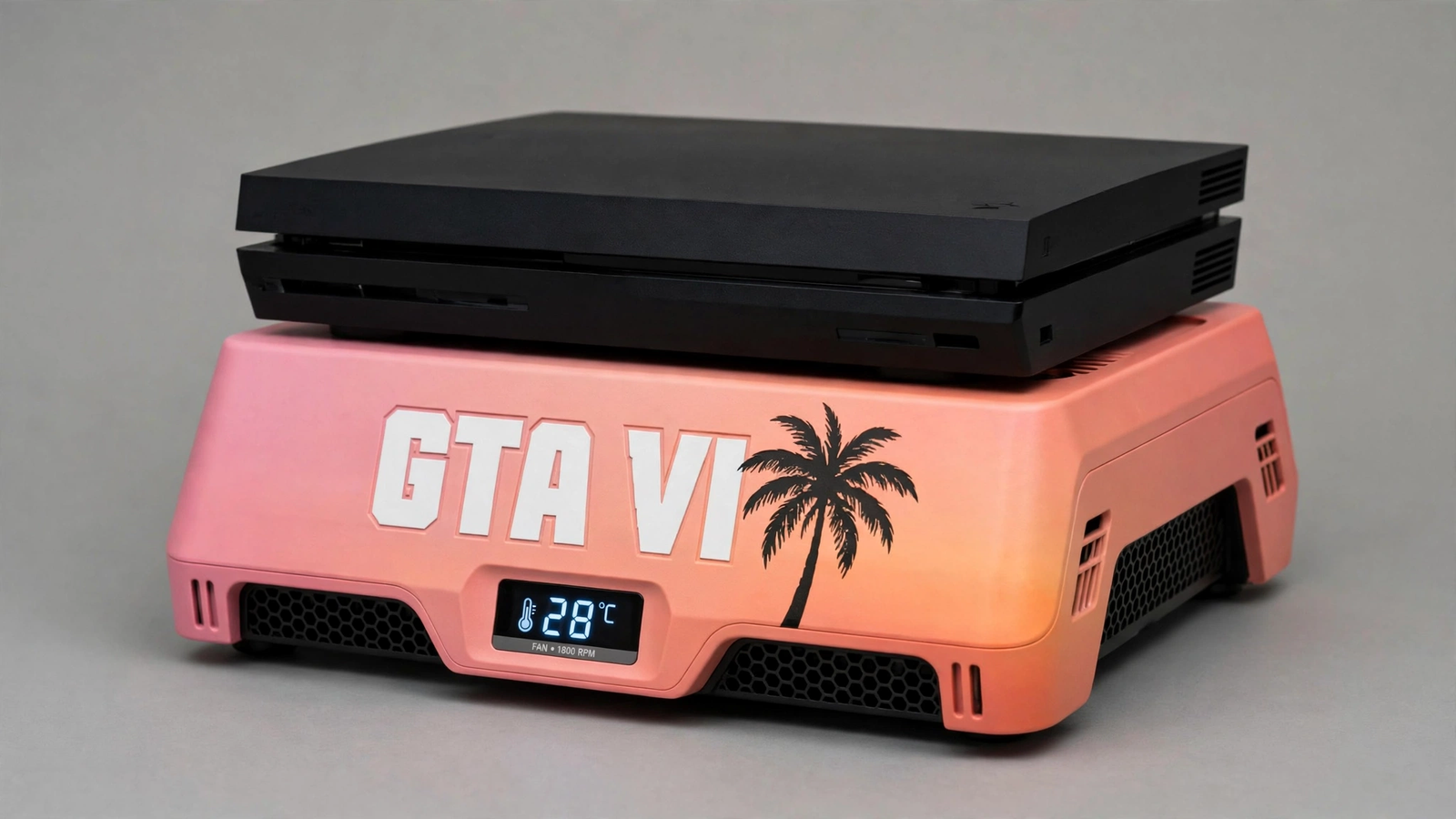
A large open-world game keeps a console working hard for hours. Plain cooling stands run a fan at one speed all evening, so they add noise the whole time. A smart cooling stand measures the heat and responds to it.
- Who wants it: players in warm rooms, players who keep the console inside a TV cabinet, and anyone bothered by fan noise during quiet scenes.
- Why they would pay: it stays silent until it is needed, and a small temperature readout gives peace of mind during a long session.
- What goes inside: a temperature sensor placed at the console’s exhaust, a small microcontroller, a quiet fan driven at variable speed, rubber mounts to stop vibration, and power from the console’s own USB port. This is a compact piece of electronics that benefits from proper embedded hardware design services.
- How to build version one: start with an off-the-shelf fan and a development board. Measure exhaust temperature with and without the stand, and make sure the airflow helps the console’s own fan. Tune the fan curve for noise, then move to a custom board and a molded stand.
- Watch out: any claim about lower temperature has to be backed by your own test results before it goes on the box.
- Price signal: ShelfTrend estimates a generic stand with a fan at about $7.50 from the factory and $34.99 at retail.
- Difficulty: medium.
4. Sound-reactive ambient lighting
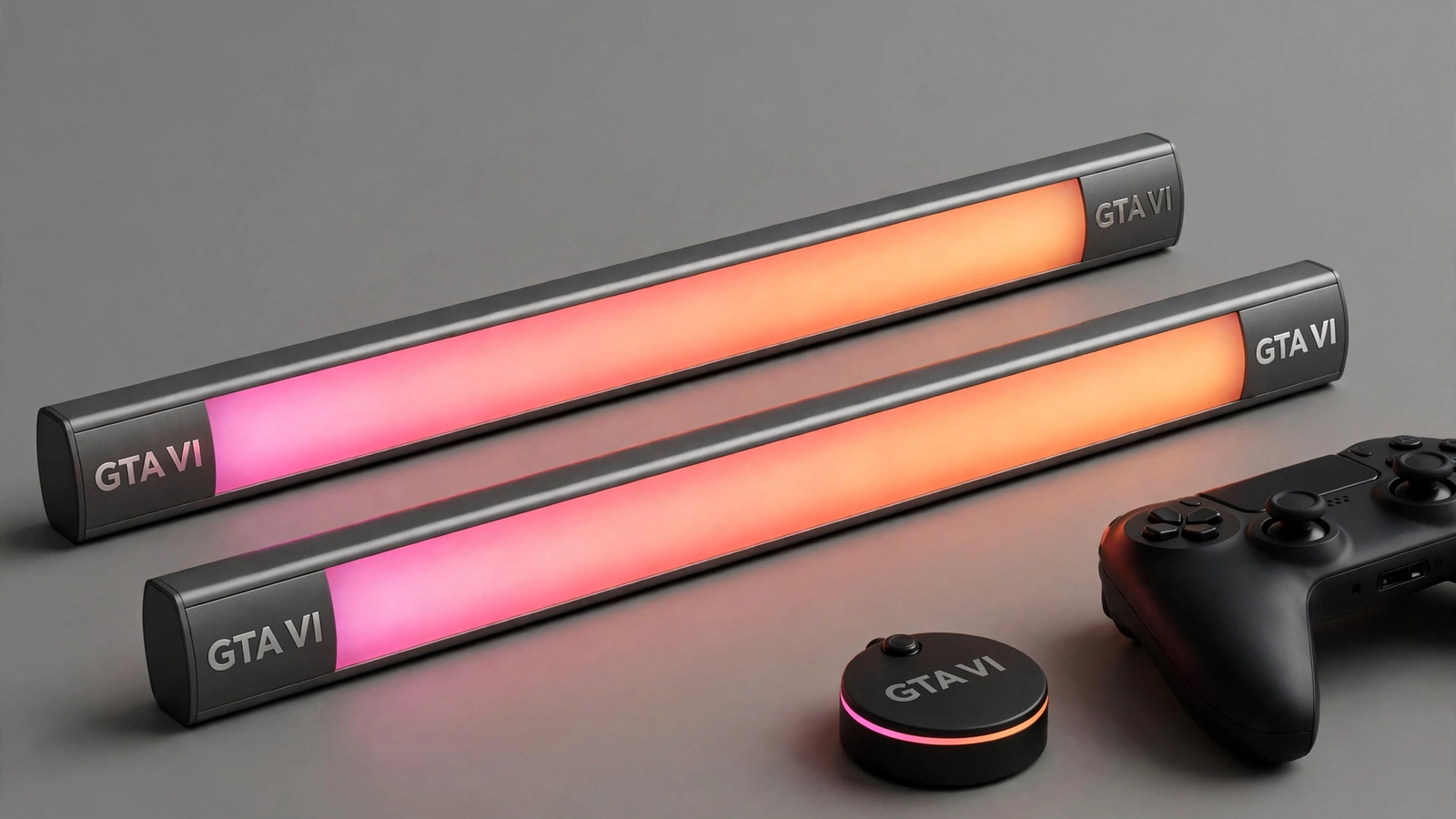
The game’s look is sunsets and neon. A light bar behind the TV that listens to the game and shifts color with the action brings that mood into the room, with no artwork from the game.
- Who wants it: players styling a room or a desk, streamers who want movement behind them on camera, and gift buyers looking in the $30 to $60 range.
- Why they would pay: screen-matching light systems need a camera or an HDMI box and cost far more. A sound-reactive bar plugs into USB and works with any console, TV or game.
- What goes inside: a small microphone, a microcontroller that splits the sound into bass and treble, a strip of individually controlled LEDs, a diffuser so the light looks smooth, and a button to change modes.
- How to build version one: the firmware is the product. Build a rough unit on a development board and spend the time on how sound maps to light: a car chase should feel different from a quiet street. Then design the diffuser and the housing.
- Watch out: Bluetooth and an app add certification work. At Inventornest, we advise against connectivity that adds cost and complexity without solving a meaningful user problem. A button on the device may be enough for version one.
- Difficulty: medium.
5. A headset stand with a hub and charger
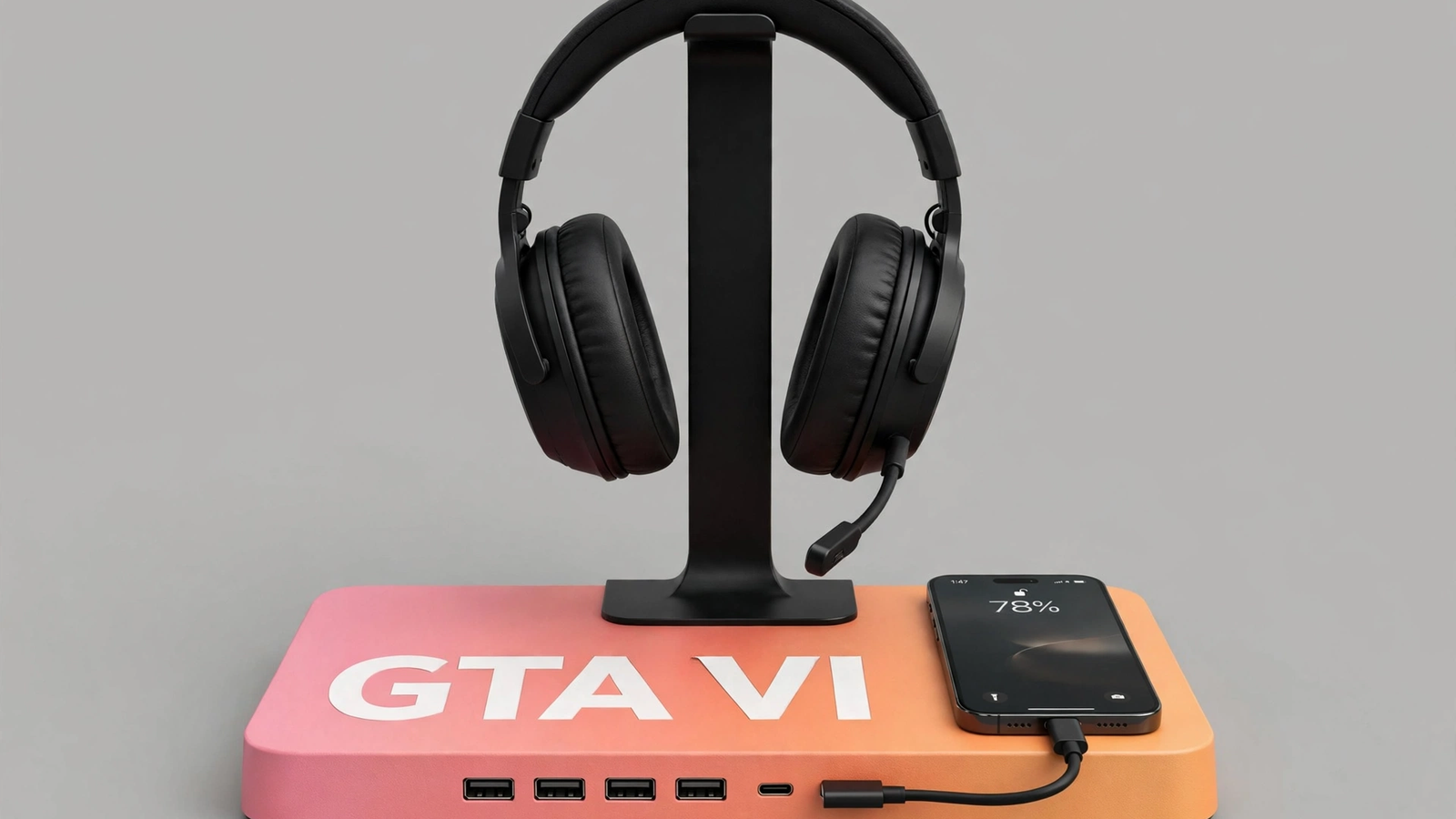
A gaming desk collects a headset, a controller cable, a phone and a charger. One headset stand that adds ports replaces three loose items.
- Who wants it: players who sit at a desk with a console or a PC, and people buying for a gamer without knowing what gear they already own. A stand fits any setup.
- Why they would pay: one cable to the console gives two or three ports within reach, the headset has a home, and the desk looks finished.
- What goes inside: a USB hub chip, one cable to the console or PC, two or three ports on the base, a weighted base so the stand does not tip, and a padded hook shaped to avoid stretching the headband.
- How to build version one: start with the hub and the stand alone. Test it with the heaviest headsets, check that the ports hold a steady connection, and route the cable out of sight.
- Watch out: a wireless phone charger in the base is a transmitter in the eyes of regulators, and it needs its own power adapter. It makes a good second version.
- Price signal: ShelfTrend estimates a generic lit headset stand with a hub at about $5.20 from the factory and $27.99 at retail.
- Difficulty: medium.
6. A haptic seat pad
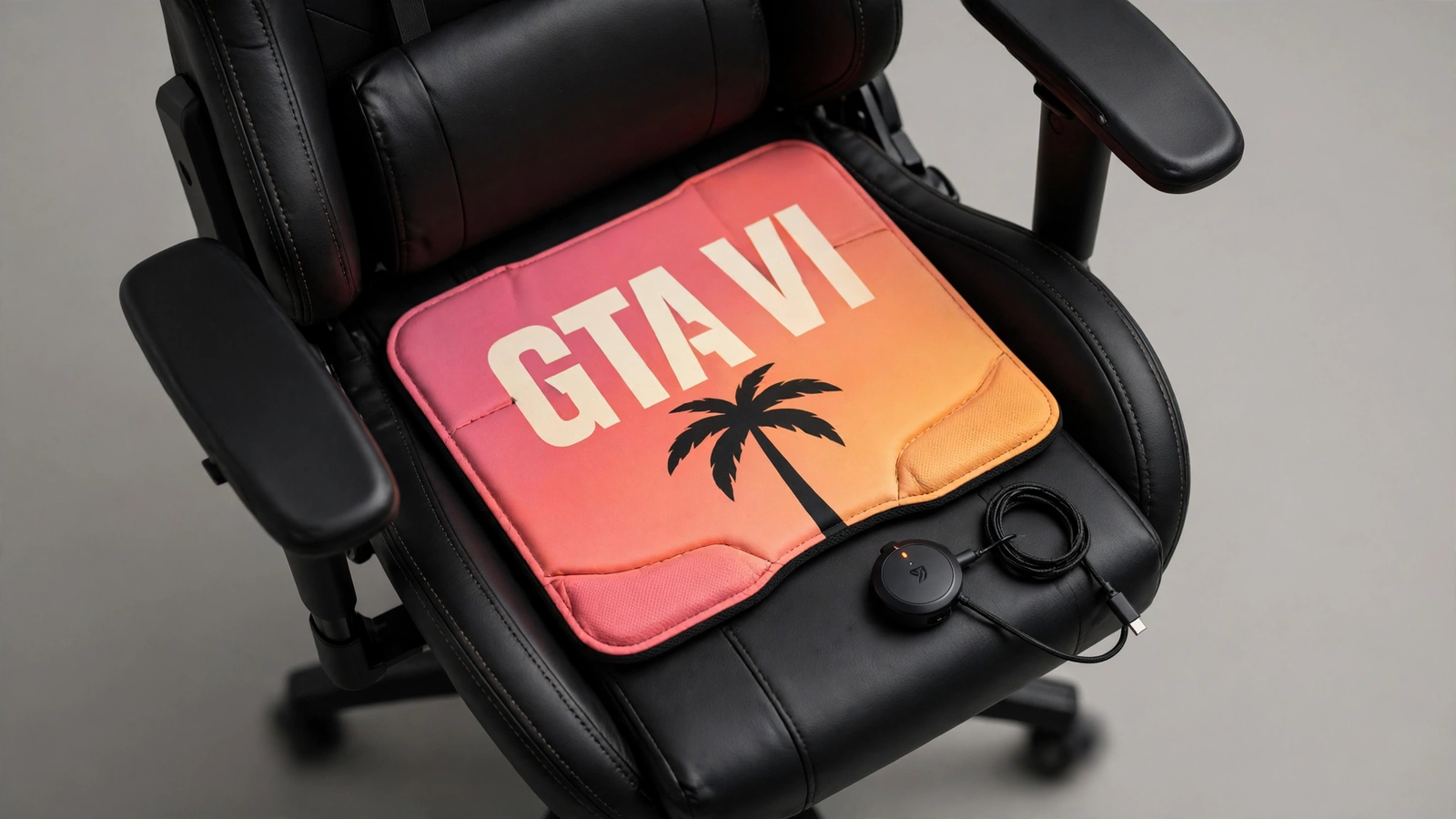
A haptic seat pad is a thin cushion that turns the low sounds of a game, such as engines, crashes and explosions, into vibration the player feels through the chair. It gives the physical punch of a large subwoofer with almost no noise.
- Who wants it: players who love driving and action scenes, people in apartments or shared homes who play late and have to keep the volume down, and headset users who hear the bass and feel nothing.
- Where it is used: on a gaming chair, an office chair or a sofa seat. It straps on and comes off, so it suits renters and shared living rooms.
- Why they would pay: full haptic chairs and bolt-on shaker rigs are expensive and permanent. A pad gives most of the feeling for a fraction of the price, and it works with every game, film and song.
- What goes inside: two to four vibration drivers set in firm foam, a small amplifier, a filter that passes only low sounds, a wired audio input, an intensity dial, and a certified power adapter.
- How to build version one: place off-the-shelf drivers and an amplifier board inside a plain cushion and test it with real players for two-hour sessions. Learn where the drivers should sit and how strong is too strong. Then design a custom amplifier board and a sewn cover.
- Watch out: keep the audio wired, because Bluetooth adds a delay the player can feel. Drivers sealed in foam get warm, the pad has to survive body weight every day, and foam and fabric may need to meet flammability rules.
- Why it spreads: the reaction of someone sitting on it for the first time is easy to film, which suits short video.
- Difficulty: medium to high.
7. A small desk screen with an AI helper
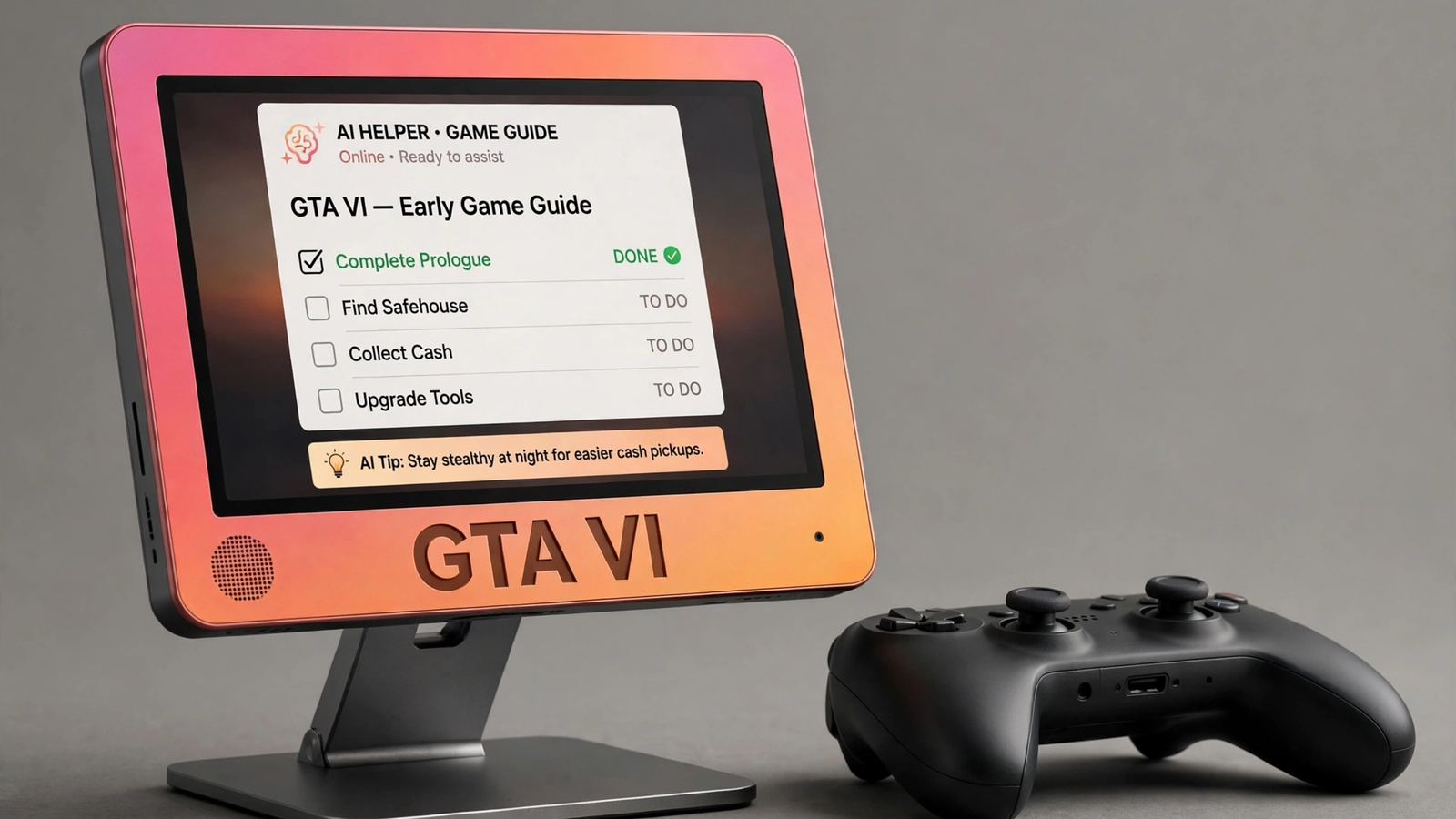
Players already keep maps and guides open on their phones. One unofficial companion app has passed 50,000 downloads on Google Play. A small AI desk screen can show a map, a checklist or an answer, and the phone stays in a pocket.
- Who wants it: players who aim to finish everything in a game, players who follow guides step by step, and streamers who want notes in view without leaving the game.
- Why they would pay: both hands stay on the controller. The player asks a question out loud and reads the answer at a glance.
- What goes inside: a four to five inch touch display, a Wi-Fi chip, a microphone and speaker, and a stand. A companion app and a cloud service connect it to an AI model and to the guide websites the player chooses.
- How to build version one: test the idea as a phone or tablet app on a stand before any hardware is made. If players keep using it, move to a development kit with a display, then to a custom board.
- Watch out: every AI answer has a running cost, so plan for a subscription or a usage limit. A microphone in the home raises privacy questions that should be settled in the design. The product must show the player’s own chosen sources and must not copy or rebrand the game’s content.
- Approvals: Wi-Fi means FCC authorization before sale in the United States.
- Difficulty: high. It needs firmware, an app and a cloud service. Our guide on how to make an AI device covers the parts involved.
8. A sunset lamp with a built-in speaker
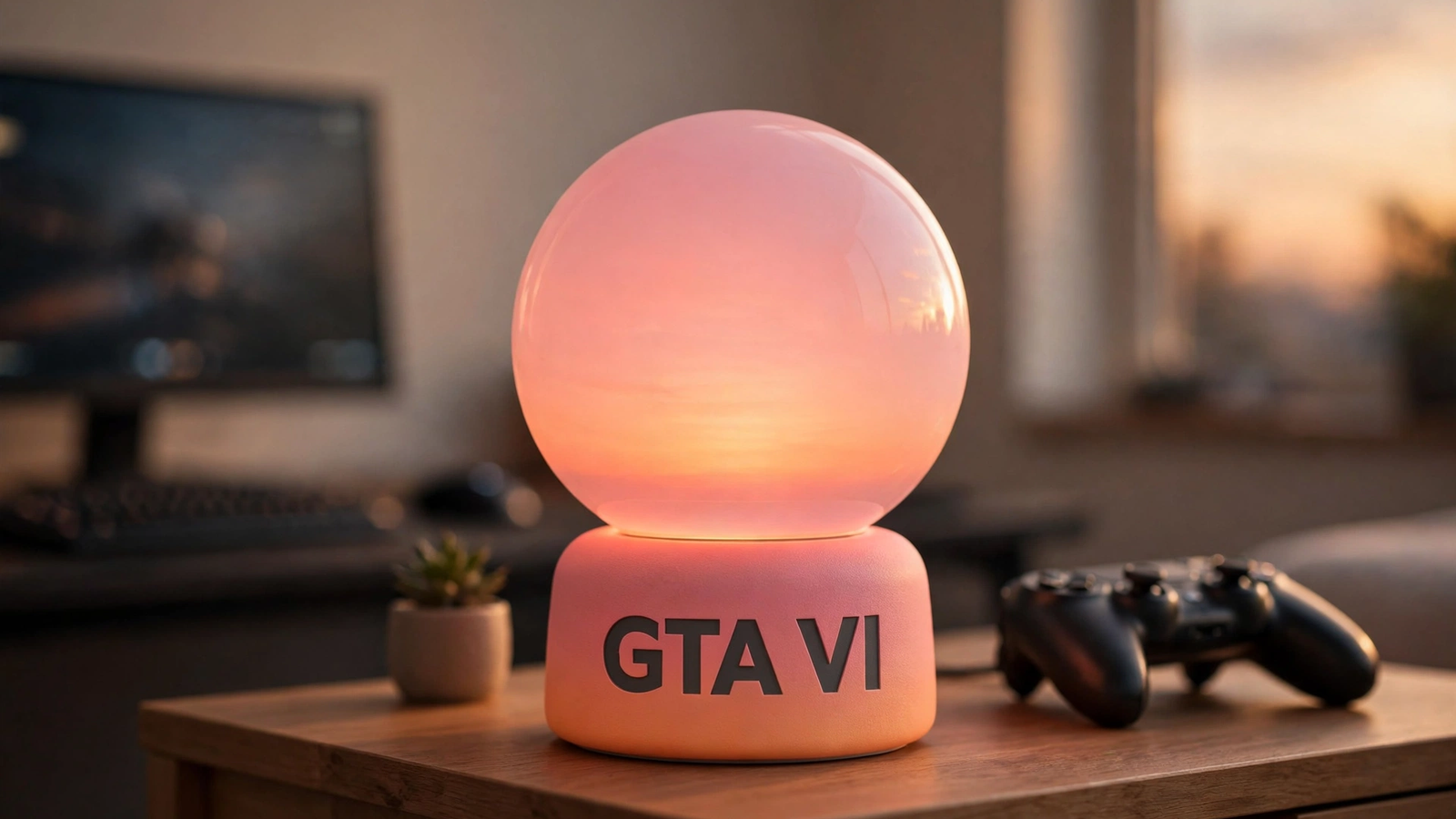
A sunset lamp throws a warm color gradient across a wall. Add a speaker and the light can move with the music, so one object on the desk does the job of two.
- Who wants it: players styling a bedroom or a desk, students in small rooms, and gift buyers. It is used during play and long after the console is off.
- Why they would pay: it replaces a lamp and a Bluetooth speaker, saves desk space, and sets a mood that a plain LED strip cannot.
- What goes inside: a bright LED with a colored lens for the gradient, a speaker driver and small amplifier, a Bluetooth audio module, a dial for brightness and volume, and a USB-C power input.
- How to build version one: start with the light. Test lenses and distances until the gradient looks right on a wall, then add the audio and tune how the light follows the beat. Keep the speaker chamber sealed from the lamp so heat stays away from the driver.
- Approvals: Bluetooth needs FCC authorization. A pre-certified audio module shortens that work.
- Difficulty: medium.
9. A name sign the buyer can retype
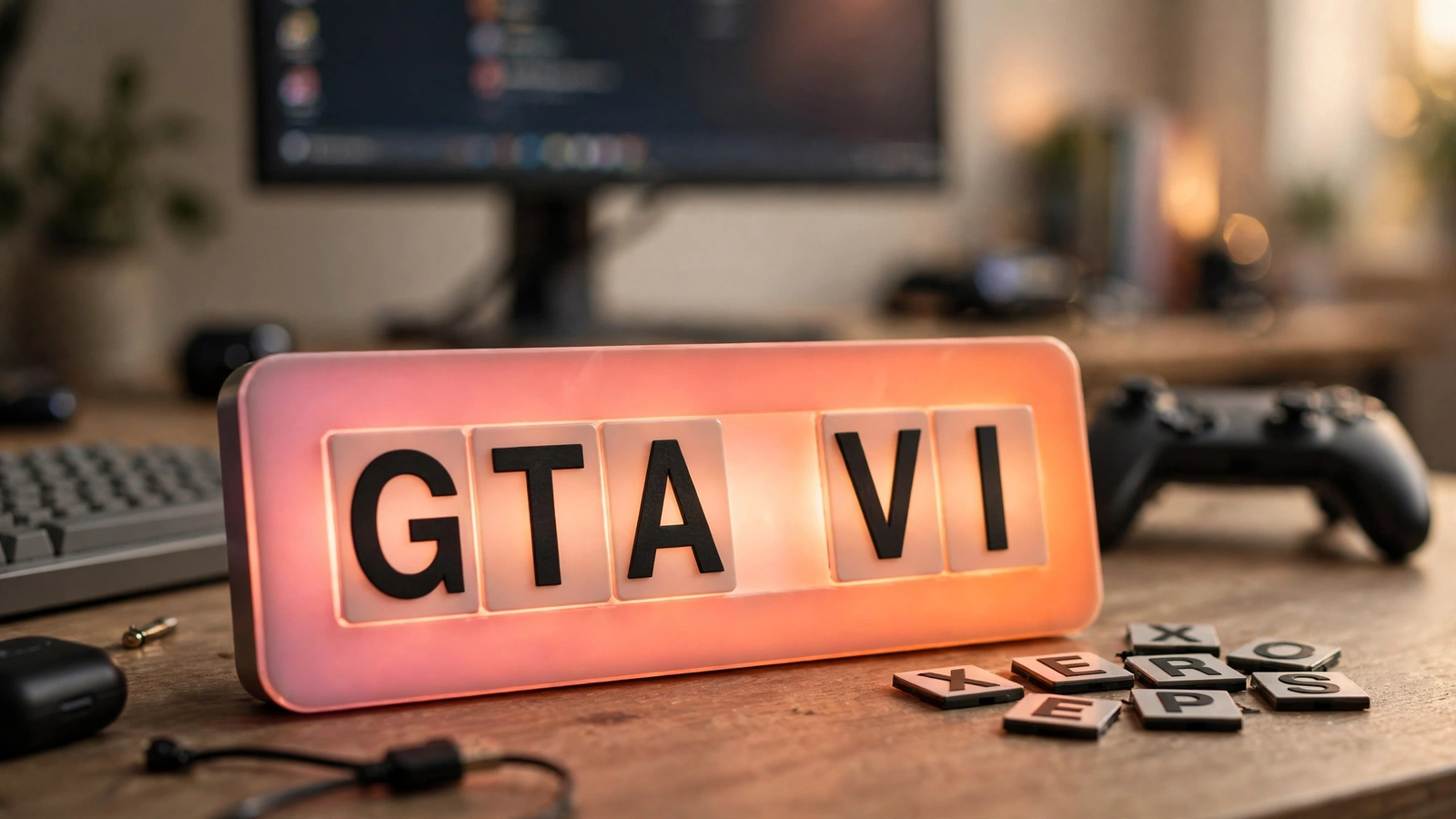
Personalized signs sell well, and each one normally has to be made to order. A sign built from a grid of small LEDs behind a diffuser lets the buyer type any name from a phone, so one product serves every customer.
- Who wants it: players and streamers who want their gamertag on the wall, and gift buyers who know the name and nothing else about the setup.
- Why they would pay: it is personal on day one and can be changed later, for a new name, a team or a message on stream.
- What goes inside: an LED matrix, a diffuser that gives a soft neon look, a microcontroller with Bluetooth, a simple phone app or web page for typing, and a wall mount.
- How to build version one: build the display first and design a typeface that reads well from across a room. Add a few colors and animations, then the phone link.
- Watch out: the neon look depends on the diffuser. Budget time for samples.
- Difficulty: medium.
10. A car-radio desk speaker
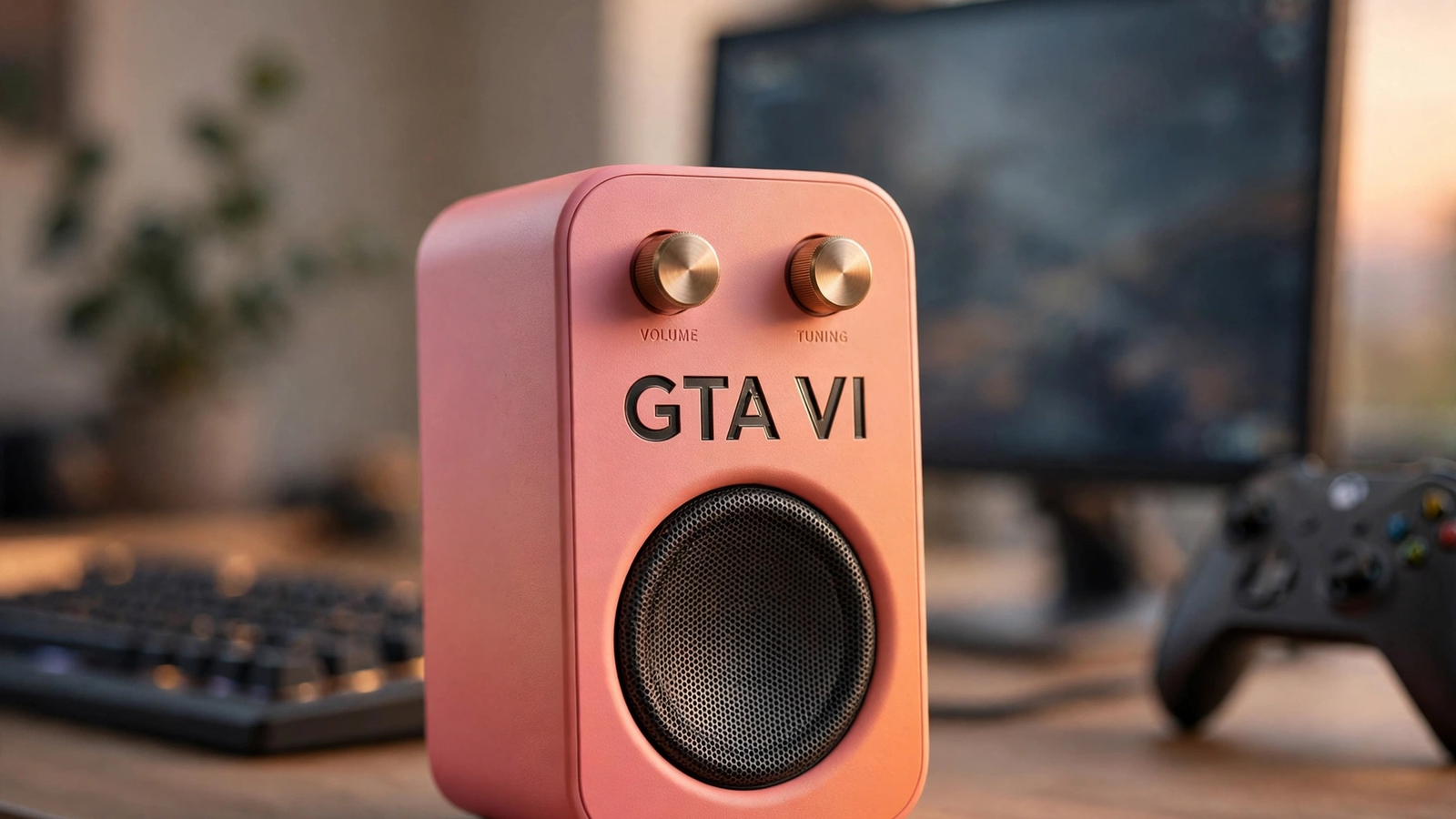
Music in the car is part of why players love open-world driving games. A desk speaker shaped like a classic car stereo, with a real dial that clicks between the owner’s playlists, brings that feeling to a shelf.
- Who wants it: players who love the driving and the soundtrack, car fans, and anyone who misses physical controls. It is a strong gift because it works without a console.
- Why they would pay: a physical dial and preset buttons feel better than a phone screen, and the retro look stands out next to plain speakers.
- What goes inside: two speaker drivers, an amplifier, a Bluetooth module, a rotary dial with detents, preset buttons, a small display for the station name, and an optional battery.
- How to build version one: prototype the dial and buttons first, because the feel of the controls is the product. Use the buyer’s own playlists and internet stations as presets. Then tune the sound in the final enclosure.
- Watch out: station names and music from the game belong to their owners. The presets must be the buyer’s own choices.
- Difficulty: medium to high. A battery adds transport testing.
11. An “in session” door light
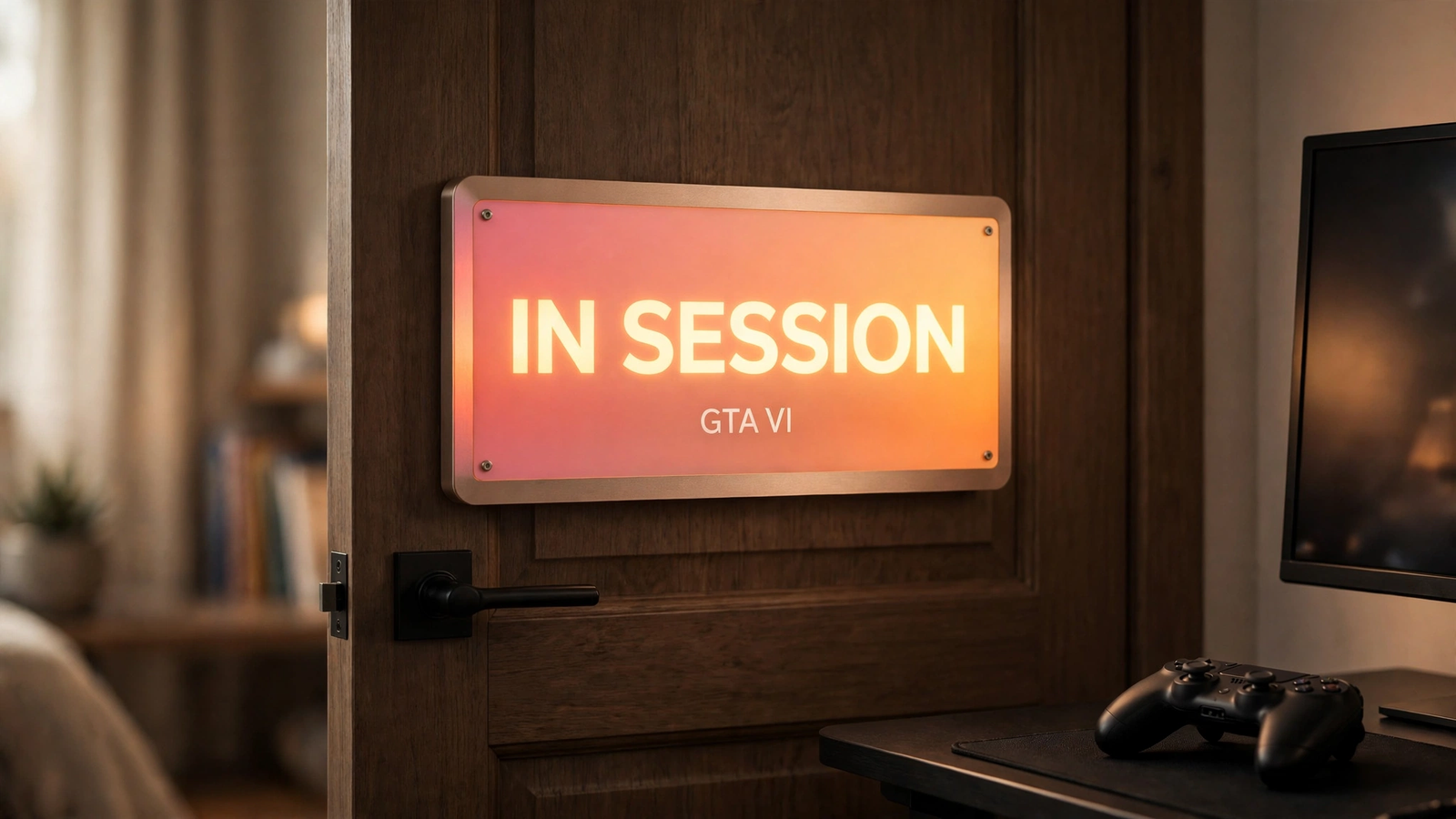
Family members knock at the worst moment because they cannot tell when someone is mid-game. A small light outside the room that turns on by itself when the console is running answers the question without a word.
- Who wants it: players in shared homes, streamers who go live, and parents and partners who want to know before they walk in.
- Why they would pay: it works automatically. Nobody has to remember to flip a sign.
- What goes inside: a small sensor that plugs into the console’s USB port and detects that it is powered, a low-power radio link, and a slim door unit with LEDs and a battery.
- How to build version one: prove the detection first on several consoles, including rest mode. Then test the radio range through walls and measure battery life on the door unit.
- Approvals: the radio link needs FCC authorization, and the battery choice affects shipping tests. Replaceable AA cells keep version one simpler.
- Difficulty: medium to high.
12. A desk safe with a keypad
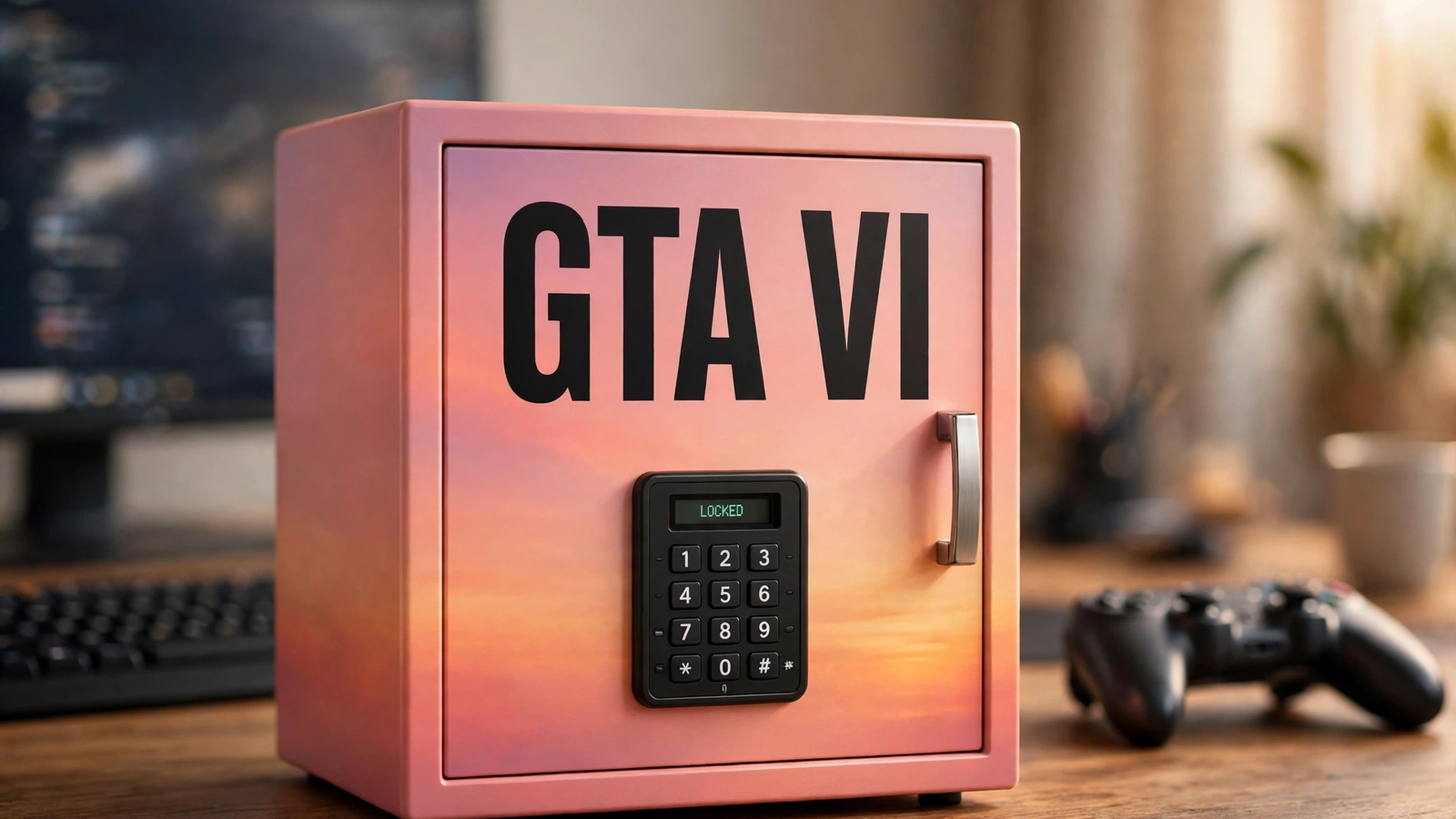
A small money box styled as a heist safe, with a working keypad, lights and sound, is a toy for adults and a gift that needs no explanation.
- Who wants it: gift buyers above all, and players who like a prop on the desk for cash, cards or small accessories.
- Why they would pay: it is fun to use, it looks good on a shelf, and it sits at an easy gift price.
- What goes inside: a molded or metal body, a keypad, a small microcontroller, a motor or solenoid latch, LEDs, a tiny speaker, and standard batteries.
- How to build version one: get the latch and door right first, since a door that sticks ruins the product. Add the code logic, then the lights and sounds for a correct or wrong code.
- Watch out: sell it as a novelty box. Calling it a security product invites claims it cannot meet.
- Difficulty: low to medium. It has no radio and no rechargeable battery.
How the twelve gaming accessory ideas compare
Founders weighing GTA 6 hardware business ideas should look at approvals first. Products with no radio and no battery reach the market fastest, because they avoid the longest approval steps. The table shows the buyer, the main parts and the effort for each idea.
| Product | Best buyer | Main parts | Wireless | Difficulty |
|---|---|---|---|---|
| Storage helper kit | PS5 owners short on space | Heatsink, tool, guide | No | Low |
| Charging display dock | Collectors and streamers | Power board, LEDs | No | Low to medium |
| Smart cooling stand | Players in warm rooms | Sensor, fan, controller | No | Medium |
| Sound-reactive lighting | Room and desk stylers | LEDs, microphone | Optional | Medium |
| Headset stand hub | Desk players, gift buyers | USB hub, weighted base | No | Medium |
| Haptic seat pad | Late-night and driving fans | Drivers, amplifier | No | Medium to high |
| AI desk screen | Guide followers, streamers | Display, Wi-Fi, app | Yes | High |
| Sunset lamp with speaker | Room stylers, students | LED, lens, speaker | Yes | Medium |
| Retypable name sign | Streamers, gift buyers | LED matrix, diffuser | Yes | Medium |
| Car-radio desk speaker | Driving and music fans | Speakers, dial, display | Yes | Medium to high |
| “In session” door light | Shared homes, streamers | USB sensor, radio, LEDs | Yes | Medium to high |
| Desk safe with keypad | Gift buyers | Keypad, latch, LEDs | No | Low to medium |
Have a GTA 6 hardware business idea of your own?
First-time founders get a free consultation and roadmap guidance from Inventornest. An engineer talks your idea through with you and maps the steps to build it, from feasibility to a working prototype.
Get my free consultation →What you can sell and what belongs to Rockstar
The game’s title, logos, place names and characters are owned by Rockstar Games and Take-Two, and they are enforced. Take-Two filed a trademark complaint against a sandwich shop that planned to trade as Vice City Subs. ShelfTrend lists product listings that use the GTA logo, “Vice City”, “Leonida” or character names as the ones at risk of takedown.
This guide is general information and is no substitute for legal advice. An intellectual property attorney should review your product name, packaging and listings before launch.
A product can serve GTA 6 players without carrying anything Rockstar owns. The left side is yours to design. The right side needs a license.
Original work under your own brand
Your own product name
A brand you can register and keep using after this launch has passed.
An original look
Sunset colors, neon and palm shapes are a style. Your own artwork in that style is yours.
A real function
Storage, charging, cooling, lighting and comfort solve problems for any console player.
Plain compatibility facts
Which consoles and controllers the product fits, stated accurately.
Owned by Rockstar Games and Take-Two
The game’s title and logo
On the product, the box or the listing title.
Place and brand names from the game
Vice City, Leonida and the in-game brands are part of the property.
Characters and artwork
Faces, names, cover art and screenshots.
Console makers’ badges
“Officially licensed” marks from Sony or Microsoft come through their own accessory programs.
A product with its own name keeps selling when the next big game arrives. A product named after one game can be removed from sale at any time.
Rules that apply before you sell
Three checks decide how long a product takes to reach a shelf.
- Wireless. A product with Bluetooth or Wi-Fi needs FCC authorization before it is sold in the United States. At Inventornest, we prefer a pre-certified wireless module when it meets the product’s requirements. It does not automatically remove all testing obligations for the finished product. Our guide to FCC certification cost explains the budget.
- Batteries. Lithium cells must pass transport testing before they ship, and some products fall under consumer safety rules. In our experience at Inventornest, battery optimization is often underestimated. The guide to certification for crowdfunded products lists the tests.
- Mains power. A product that plugs into a wall socket usually needs a safety listing before large retailers accept it. Powering from USB keeps version one simpler.
The simplest first product has no radio, no battery and one clear job.
From idea to first units: the four stages
A physical product moves through the same stages whatever the idea. In our experience at Inventornest, typical planning ranges are approximately four months to complete the first prototype and around seven months to reach the mass-production stage. Complex products may take six to seven months for the first prototype and ten months to one year to progress to mass production. These are planning ranges, and they should not be read as the time to a first saleable unit.
The GTA 6 audience will still be playing then. The most overrated step, in our view, is polishing the product’s appearance before resolving its essential technical uncertainties.
Each stage answers one question and leaves something behind. A gaming accessory follows the same path as any other electronic product.
Feasibility
Can this be built, and is it worth building?
- Leaves behind
- A technical assessment with the real risks named
- Cost driver
- Engineering review time
- If you skip it
- Unknowns surface later as redesign
Prototype
Does it do its one job in a real room?
- Leaves behind
- A working unit and a list of what to change
- Cost driver
- Electronics, firmware, enclosure and iterations
- If you skip it
- The first customers become the testers
Testing and certification
Is it safe and legal to sell?
- Leaves behind
- Test reports for the markets you chose
- Cost driver
- Wireless, battery and mains power
- If you skip it
- Retailers and marketplaces can refuse the product
Pilot production
Can a factory make it the same way every time?
- Leaves behind
- A first batch and a checked production package
- Cost driver
- Tooling, parts and assembly time
- If you skip it
- Faults appear at volume, where they cost most
Founders who want to test demand first can crowdfund a hardware product once a working prototype exists.
Frequently asked questions
Can I sell GTA 6 themed products?
You can sell products made for people who play the game. Using the game’s title, logos, place names or characters on a product needs a license from Rockstar Games or Take-Two. An attorney should confirm what applies to your product.
What is the easiest gaming accessory to build first?
A product with no radio, no battery and one job. A storage helper kit or a controller charging dock fits that description and avoids the longest approval steps.
How long does it take to make a gaming accessory?
It depends on the product. Inventornest’s typical planning range is approximately four months to a first prototype, with complex products taking six to seven months. Certification and production add time after that.
Do gaming accessories need FCC certification?
Products that use Bluetooth or Wi-Fi need FCC authorization before sale in the United States. Products with digital electronics and no radio follow a simpler compliance route. A test lab can confirm which route applies.
How much does it cost to develop a gaming accessory?
It depends on what the product does. In our experience at Inventornest, the approximate development fee range was USD 8,000 to USD 30,000 for our recent program group. These are working estimates rather than a calculated median, and they cover development, not production or launch. Simple products with established functions cost less.
Is it too late to build a product for GTA 6 players?
The launch week has passed, and the audience has not. GTA V stayed among the best-selling games for years after release, so a well-made accessory launched next year still has buyers.
What are the best GTA 6 hardware business ideas?
The strongest GTA 6 hardware business ideas fix a problem players have today and need few approvals. A storage helper kit, a charging display dock and a cooling stand fit that description. A sunset lamp, a name sign or a desk speaker suits a founder who wants a gift product. The comparison table above shows the buyer, parts and effort for all twelve.
Are these business ideas inside the game?
These are real products sold to people who play GTA 6. The businesses a player can own inside the game are a separate topic, and this guide does not cover them.
How do I know if my product idea can be built?
A feasibility study answers that. It checks the technical risks, the parts, the approvals and the likely cost before money goes into a prototype. Our article on product feasibility analysis explains what it covers.
How Inventornest turns a game-inspired idea into a product
Inventornest designs and develops electronic products for founders, from the first idea to units a factory can build. At Inventornest, we always prefer to begin with feasibility, whether the idea is simple or complex. Feasibility is not a guarantee that the product will work. It shows where the risks are before the larger spend begins.
Our team has 200+ products built and 12+ years building hardware (since 2013), across consumer devices, wearables and connected products. However unique, new, novel, odd or one of a kind your product is, we will build it. Gaming accessories sit inside our consumer electronics product development work, and working models come from our product prototyping services. Our portfolio includes a handheld gaming console and a designer smart lamp.
The first step is a technical feasibility analysis. First-time founders get a consultation and roadmap guidance at no cost. To talk an idea through with an engineer, book a consultation.